Google Sheets Automation Tools That Work (No Code Needed)
Find the best Google Sheets automation tools to save time and stop doing manual work. Compare features, pricing, and ease of use for non-coders.
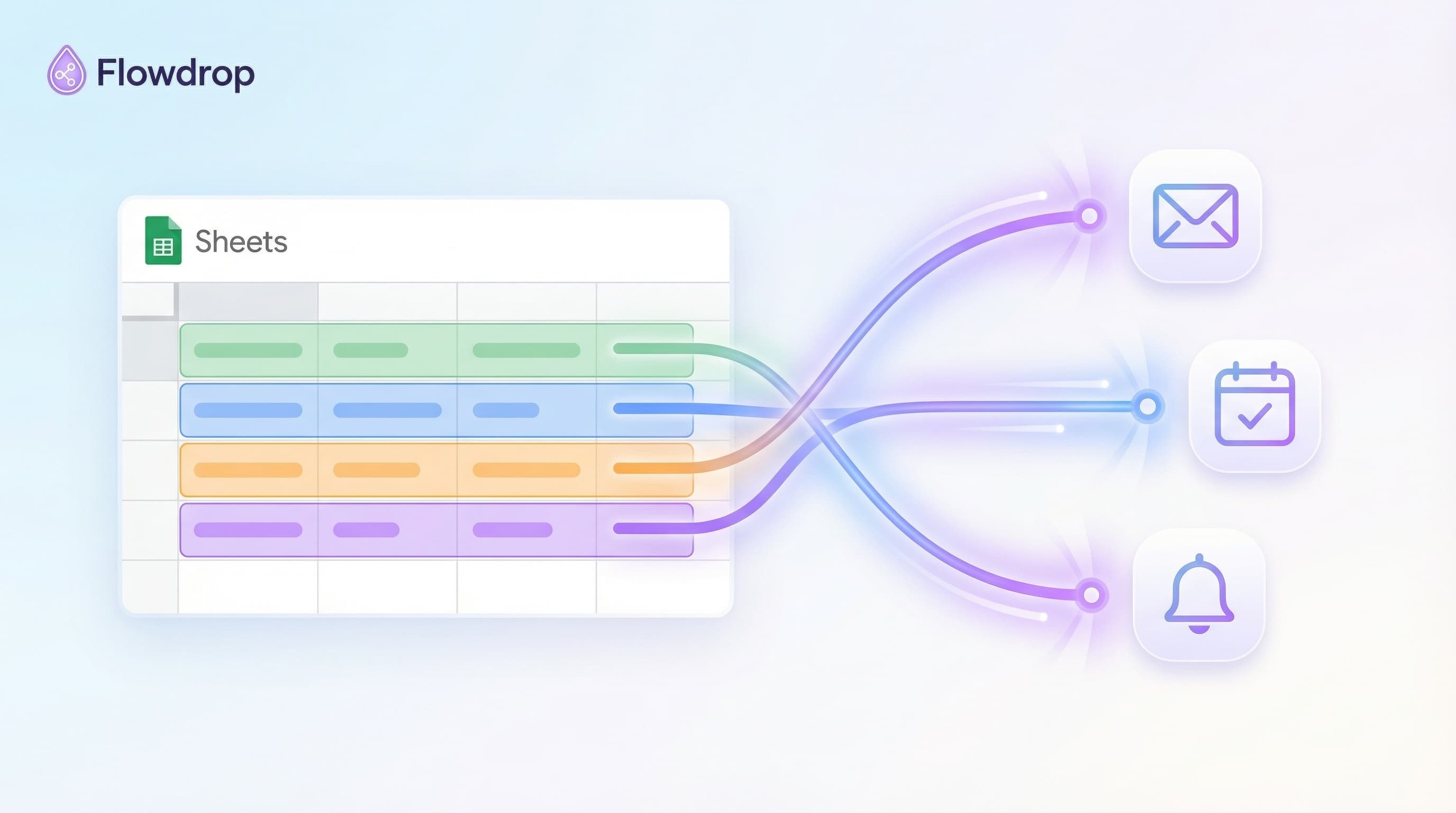

Your Google Sheet is just sitting there. It's got all your data, but nothing happens with it until you do something by hand.
What if your sheet could do the work for you?
That's what Google Sheets automation tools do. They watch your sheet and take action when things change. New row? Send an email. Cell updated? Post to Slack. It all happens without you lifting a finger.
Let me walk you through the tools that make this real.
Why Automate Your Google Sheets
You've got data in a sheet. Clients, sales, tasks, whatever. Right now, you're checking that sheet, then doing stuff based on what you see.
That's the slow way.
Automation tools connect your sheet to everything else you use. When data shows up or changes, things happen on their own.
What You Can Do
Here's what people automate all the time:
-
Send emails to your whole list from a spreadsheet
-
Sum up data into Slack messages so your team sees what matters
-
Post to social media from a content plan sheet
-
Pull invoice details into sheets to track spending
-
Add calendar events from a date column
-
Update contacts across all your apps when one sheet changes
Stop moving data around by hand. Let the tools do it.
1. Flowdrop (Best for Non-Coders)
What it does: You chat about what you want. Flowdrop builds the whole thing.
Why it's different: Most tools make you learn their system. Nodes, triggers, all that stuff. Flowdrop? You just talk.
"Send an email to everyone in my sheet with their custom info."
Done. It builds that for you.
Best for: Anyone who tried other tools and got stuck. Small business owners, creators, coaches. People who want results, not tech lessons.
Pricing: Starts at $9/month
Try it: Flowdrop.xyz
2. Zapier (Most Popular)
What it does: Connects Google Sheets to over 5,000 apps using "Zaps" (their word for workflows).
The catch: You have to build each step by hand. Pick your trigger, add actions, map fields. It works, but there's a learning curve.
Best for: People who don't mind watching how-to videos and have time to set things up.
Pricing: Free plan is very basic. Paid plans start at $20/month.
3. Make (Formerly Integromat)
What it does: Power tool for complex work. You can build really fancy stuff with loops, filters, and logic.
The catch: Even more complex than Zapier. You're building visual flows with nodes and paths.
Best for: Teams with someone tech-savvy who can set things up for everyone else.
Pricing: Free tier exists. Paid plans start at $9/month.
4. Coefficient
What it does: Pulls live data from other tools into your Google Sheet. Think sales data, customer info, all updating on its own.
The catch: Great for getting data IN, but not as good at taking action based on what's there.
Best for: Teams who live in sheets and want fresh data without export/import.
Pricing: Free plan available. Paid starts around $49/month.
Ask yourself these questions:
Do you want to chat or click?
If you want to describe what you need and have it built, go with Flowdrop. If you're okay clicking through setup screens, try Zapier or Make.
How complex is your automation?
Simple stuff (send an email, update a cell) works in any tool. Super complex logic? Make or Coefficient.
What's your time worth?
Spending hours learning a tool might save you money, but cost you days. Flowdrop gets you running in minutes.
How often will this break?
Some tools need babysitting when apps update. Flowdrop handles changes for you.
What Real People Automate
Example 1: Sales Team
The problem: Customer list lives in a sheet. Each person needs a unique email based on their info.
The automation: Read the whole list, send each person a custom email using their name and notes from the sheet.
Tools that work: Flowdrop (easiest), Zapier (more setup).
Example 2: Finance Team
The problem: Invoices come in from different places. Someone has to pull all the line items into a tracking sheet.
The automation: Grab invoice details and drop them into your sheet. Track spending without data entry.
Tools that work: Flowdrop, Make.
Example 3: Remote Team
The problem: Weekly numbers sit in a sheet. Nobody checks it until Monday meeting.
The automation: Every Friday, pull key numbers and send a quick summary to Slack so the team knows where things stand.
Tools that work: Flowdrop (just describe it), Zapier (takes longer).
Do these tools work with Excel too?
Most work with both Google Sheets and Excel. Check each tool's list of apps.
What if my sheet is really big?
All these tools handle big sheets. Thousands of rows, no problem.
Can I test before I pay?
Yes. Flowdrop, Zapier, and Make all have free trials or starter plans.
Will I break something?
No. These tools read your sheet and do stuff based on it. They don't mess up your data unless you tell them to change things.
Here's the honest truth about other tools:
You start excited. Then you open Zapier or Make and see all these settings. Triggers, filters, API keys. You watch a video. Then another video. Maybe you get it working. Maybe you give up.
Flowdrop skips all that.
You tell it what you want in plain words:
"When someone new appears in my sheet, send them an email and add them to my CRM."
It builds that. Right there. You're done in 60 seconds.
No nodes. No mapping. No "why isn't this working" moments.
Your Google Sheet is ready to do more. Pick a tool and get started:
Want the easy way? → Try Flowdrop
Want to build it yourself? → Check out Zapier or Make
Stop doing manual work. Let your sheet handle it.
If you can chat it, you can build it.
Quick Comparison
| Tool | Setup Time | Learning Curve | Best For |
|---|---|---|---|
| Flowdrop | 1 minute | None (just chat) | Non-coders who want fast results |
| Zapier | 10-30 minutes | Medium | People comfortable with tech setup |
| Make | 30+ minutes | Steep | Complex workflows, tech-savvy users |
| Coefficient | 15-20 minutes | Medium | Teams who need live data in sheets |
Your time matters. Pick the tool that respects it.
Frequently Asked Questions

About Flowdrop Team
We build AI workflow automation tools for non-coders. Our mission is to make AI accessible to everyone through intuitive visual builders.