How to Automate Emails from Google Sheets
Learn how to automatically send emails based on Google Sheets data. Step-by-step guide for automating email workflows without coding.
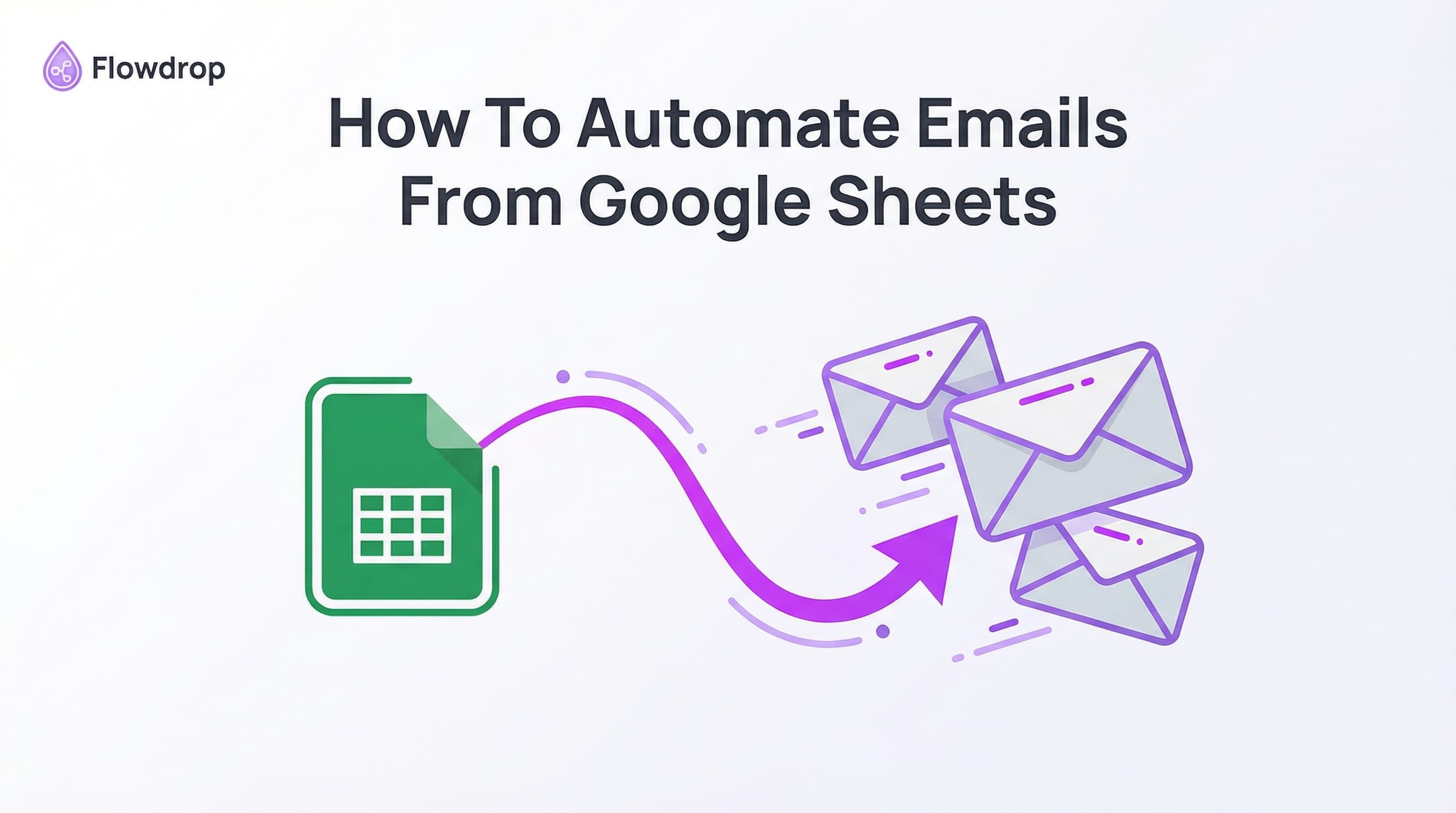

Sending custom emails to your whole list, one by one? There's a better way.
Let me show you how to turn your Google Sheet into an email system that sends custom messages to everyone on your list. No code, no stress.
What This Does For You
You've got a list in Google Sheets. Names, emails, maybe some notes about each person. You want to send them all an email, but you want each one to feel personal.
Right now, you're probably doing this by hand. Or using some tool that feels like rocket science.
Here's the thing. With Flowdrop, you just tell it what you want and it builds the whole thing for you.
This automation works for anyone who needs to send personalized emails at scale:
- Small business owners send updates to their customers. Each email has the right name and custom details.
- Coaches email their clients with tips that match where they're at in the program.
- Event hosts send invites that include the person's name and why they'd love the event.
- Newsletter creators keep it personal without spending hours on send.
How It Actually Works
Open Flowdrop. Tell it what you need in plain words.
"Send an email to everyone in my Google Sheet. Use their name and the note in column C."
That's it. Flowdrop builds it right there.
Your sheet has columns for name, email, and whatever else matters to you. Flowdrop grabs that info and drops it into each email. Every person gets a message that feels like you wrote it just for them.
Example Google Sheet Structure
Here's what your sheet might look like:
| Name | Note | Status | |
|---|---|---|---|
| Sarah | [email protected] | VIP customer | Active |
| Mike | [email protected] | New signup | Active |
Flowdrop reads each row and sends a personalized email using that data.
Here's how to build your email automation workflow:
Step 1: Connect Your Google Sheet
Connect your Google Sheet to Flowdrop. Just chat and tell it which sheet you want to use.
Step 2: Write Your Email Template
Write your email once. Use placeholders for the custom bits:
Hi {{First Name}},

{{Note}}

Looking forward to connecting!

Best,
Your Name
Step 3: Configure the Send Settings
Tell Flowdrop to send it to your whole list. It will automatically:
- Read each row from your sheet
- Replace the placeholders with actual data
- Send each email individually
Step 4: Let It Run
Every person gets their email with their info in it. Done.
The magic is in the details. You're not just blasting the same thing to everyone.
You can pull data from any column:
- Column A: Their name
- Column D: A personal note
- Column E: A date or detail
Each email lands in their inbox looking like you sat down and wrote it for them.
What You Can Personalize
- Names: First name, last name, full name
- Dates: Signup dates, event dates, deadlines
- Custom fields: Notes, preferences, status
- Calculations: Days since signup, membership level, etc.
Do I need to know how to code?
No way. You just chat with Flowdrop like you're talking to a friend.
Can I make each email unique?
Yes. Use any data from your sheet. Names, dates, custom notes, whatever you've got.
What email apps work with this?
Gmail and Outlook both work great with Flowdrop.
How many emails can I send?
Flowdrop handles big lists. Send to 50 people or 500 people, same process.
Why This Beats Other Tools
Most tools make you mess with:
- Nodes and flows
- API configurations
- Complex settings
- Tutorial videos just to send an email
Flowdrop is different. You chat. It builds. You're done.
No more getting stuck halfway through. No more feeling like the tool is smarter than you.
Stop spending hours on batch emails. Stop feeling like you need a tech degree to automate simple stuff.
Your time is worth more than copying and pasting names into emails.
Ready to automate your list? Talk to Flowdrop and build your workflow in minutes.
Tell it what you want. Watch it build. Send those emails.
If you can chat it, you can build it.
Frequently Asked Questions
About Flowdrop Team
We build AI workflow automation tools for non-coders. Our mission is to make AI accessible to everyone through intuitive visual builders.