How to Automate LinkedIn Posts with AI
Learn how to automatically generate and publish LinkedIn posts using AI. Step-by-step guide for automating your LinkedIn content strategy without coding.


Writing LinkedIn posts every day? Staring at a blank screen wondering what to say? There's a better way.
Let me show you how to turn your content ideas into a fully automated LinkedIn posting system. AI writes the posts. Flowdrop publishes them. You get your time back.
What This Does For You
You've got ideas. Industry insights. Thoughts on your craft. But turning those into polished LinkedIn posts takes time you don't have.
Right now, you're either skipping posts entirely or spending hours crafting the perfect one.
Here's the thing. With Flowdrop, you just tell it what you want and it builds the whole automation for you.
This automation works for anyone who wants a consistent LinkedIn presence without the daily grind:
- Founders share thought leadership while running their company. AI turns rough ideas into polished posts.
- Sales professionals stay top of mind with prospects. Post consistently without the time sink.
- Marketers scale their content output. One content calendar feeds weeks of automated posts.
- Consultants establish authority in their niche. Share expertise on autopilot.
How It Actually Works
Open Flowdrop. Tell it what you need in plain words.
"Every day, read a topic from my Google Sheet and write a LinkedIn post about it. Make it sound like me—conversational and insightful. Then post it to my profile."
That's it. Flowdrop builds the entire workflow.
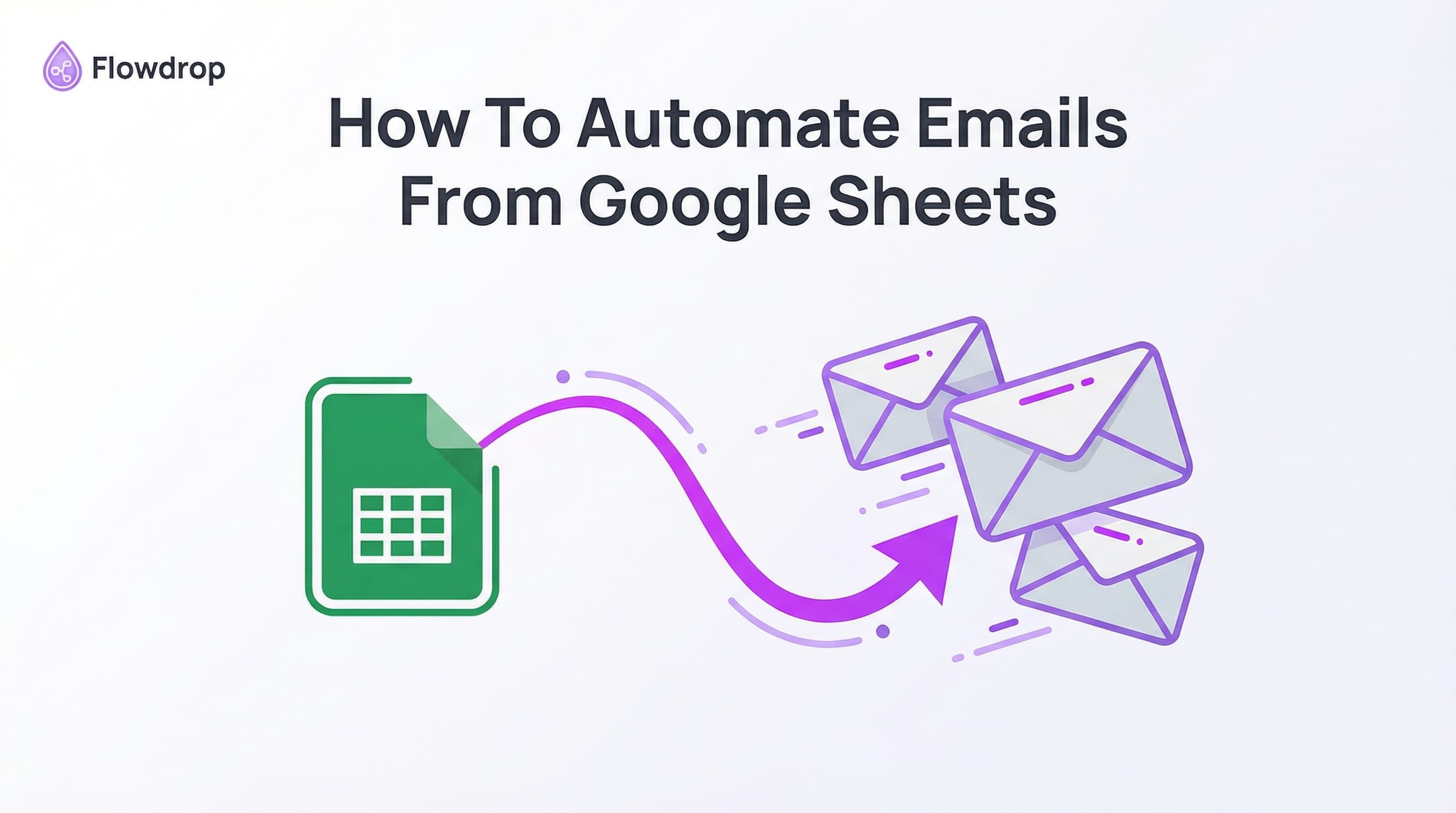
Your Google Sheet has a list of topics. Flowdrop reads each one, feeds it to AI to generate a post in your style, and publishes it to LinkedIn automatically.
Example Google Sheet Structure
Here's what your content calendar might look like:
| Topic | Tone | Key Points |
|---|---|---|
| Remote work future | Thought-provoking | Flexibility, culture |
| Hiring for curiosity | Personal story | Growth mindset |
| 3 workflow tools | Practical | Recommendations |
Flowdrop reads each row, generates AI content based on your topic and tone, then posts it to LinkedIn.
Setting It Up
Here's how to build your LinkedIn automation workflow:
Step 1: Connect Your LinkedIn Account
Link your LinkedIn account to Flowdrop. This lets the automation post on your behalf—to your personal profile or your company page.
Step 2: Set Up Your Content Source
Tell Flowdrop where to get your content ideas. Options include:
- Google Sheets: Perfect for a content calendar
- Manual trigger: Run on-demand when you want to post
- Schedule: Post automatically every day, week, or at custom intervals
Step 3: Configure the AI
This is where the magic happens. The AI generates your posts based on:
You are a LinkedIn content writer. Write a post about: {{Topic}}

Tone: {{Tone}}
Key points to include: {{Key Points}}

Keep it under 1,300 characters. Start with a hook. End with a question to drive engagement. Sound like a real person, not a robot.
The AI uses your topic and style preferences to write posts that sound like you.
Step 4: Let It Run
Set your schedule—daily, weekly, whatever works. Flowdrop handles the rest:
- Reads your next topic from the sheet
- Generates a fresh post using AI
- Publishes to LinkedIn
- Updates your sheet when done
The key to great AI content is great prompts. You're not just telling AI "write about productivity." You're giving it context:
- Your voice: Casual? Formal? Provocative?
- Your angle: What makes your take different?
- Your format: Lists? Stories? Hot takes?
What You Can Control
- Tone and style: "Sound like a startup founder talking to other founders"
- Length: Short punchy posts or longer thought pieces
- Hashtags: Include relevant tags automatically
- Call to action: Drive comments, shares, or profile visits
Each post comes out different because each topic is different. The AI adapts to what you give it.
Once you've got the basics, level up:
Pull From Multiple Sources
Combine content from different places:
- Google Sheets for your planned topics
- Web scraping for trending news in your industry
- Google Search results for current events to comment on
Batch Content Creation
Use the For Each loop to process your entire content calendar at once. Great for:
- Generating a week's worth of posts in one run
- Creating variations of the same topic
- Testing different angles on the same idea
Post to Multiple Platforms
Build workflows that create content once and adapt it for different platforms:
- LinkedIn for professional insights
- Twitter/X for quick takes
- Your company Slack for internal sharing
Do I need to know how to code?
Not at all. You describe what you want in plain English. "Read my Google Sheet and post each topic to LinkedIn with AI-generated content." Flowdrop's AI builds the workflow.
Can I review posts before they go live?
Yes. Use a manual trigger instead of a schedule, or set up an approval step. Run the workflow, check the AI-generated post, then approve it to publish.
Will my posts sound robotic?
Only if you give the AI robotic instructions. The more context you provide about your voice, style, and perspective, the more authentic the output. Include example posts you've written before.
Can I post to my company page?
Absolutely. Just provide your LinkedIn Organization ID and posts go to your company page instead of your personal profile.
How often should I post?
That's up to you. Set the schedule to post daily, every few days, or weekly. The automation runs on whatever cadence you choose.
Why This Beats Other Tools
Most social media schedulers make you:
- Write all the posts yourself
- Learn complex interfaces
- Pay per connected account
- Juggle multiple tools for AI + scheduling
Flowdrop is different. You chat. AI generates. LinkedIn publishes. One tool does everything.
No more:
- Writer's block staring at blank screens
- Inconsistent posting schedules
- Hours spent on content creation
- Complicated tool configurations
LinkedIn rewards consistency. But most people can't post consistently because life gets busy.
Automation isn't about being fake. It's about showing up reliably. Your ideas, your insights—just delivered on a schedule that actually works.
Your audience doesn't care if you wrote the post at 6am or if AI helped you draft it. They care if it's valuable.
Ready to automate your LinkedIn presence? Talk to Flowdrop and build your workflow in minutes.
Tell it what you want. Watch it build. Start posting consistently.
If you can chat it, you can build it.
Frequently Asked Questions

About Flowdrop Team
We build AI workflow automation tools for non-coders. Our mission is to make AI accessible to everyone through intuitive visual builders.